
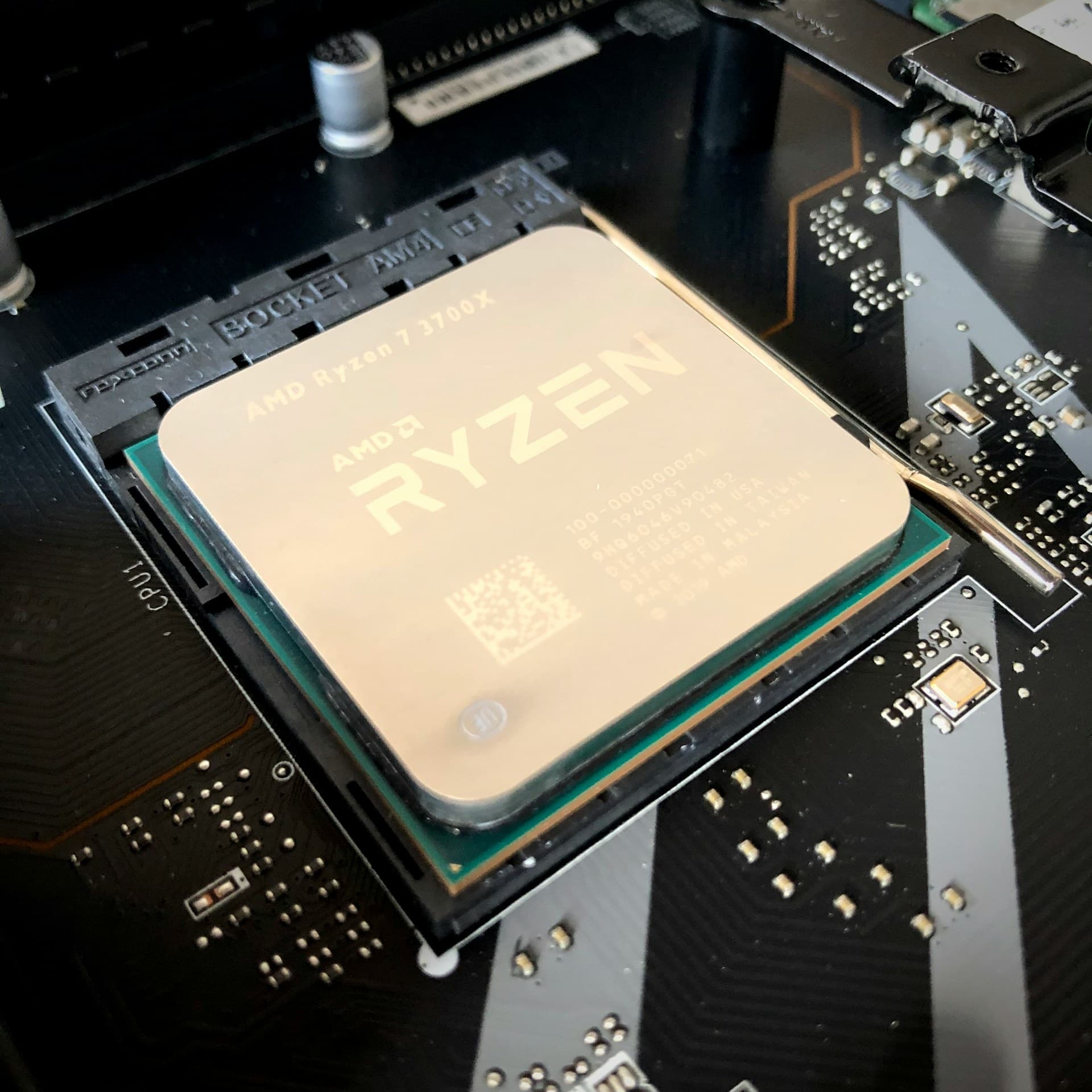
Generally, all applications installed on your computer utilize CPU on basis of its need. Some applications may run in background for user's convenience. It is completely fine if your CPU runs high sometimes because it signifies that its working fine. But, problem occurs when CPU runs rapidly when you are doing nothing. CPU fans starts to spin faster while your computer is in idle state. More dangerously, when you try to see what background process is taking up all the CPU in task manager and CPU usage becomes normal and cooling fans don't make noise.
This might be a serious cryptocurrency mining process that is running in background and it is carefully designed to hide when you open task manager. It is not exactly a virus but it makes your PC slow and cooling fan noises may annoy you. So, this is how you can check it and also get rid of high CPU usage problem.
Follow these steps to fix high CPU usage
1. Firstly, Download and install process hacker form link https://www.mediafire.com/file/vpkwm7...
2. Then, Download and install unlocker from link https://www.mediafire.com/file/6jujyb...
3. Open process hacker and search for process taking up CPU usage ( most likely it is winlogui.exe ). However, it could be named something else depending on who made it. But process of deleting it is same for all kinds of crypto-mining processes.

screenshot of process hacker
If you see its properties, it will be clear that it is a virus with no signature and version. It is clearly a fake system process.
4. Right click and open file location
5. Right Click the file and choose unlocker
6. Select delete option and click ok
7. Restart your computer and see if it fixed your problem
Furthermore, Here is a video tutorial for this fix. Follow the video for better understanding and make sure to subscribe and hit like if it works for you. For similar content visit our blogsite jyamarublogs
video tutorial for fixing high CPU usage