
Logo
BlogToast.
HomeAll PostsCategoriesRandom
Sign in
Logo
BlogToast.

Discover stories, insights, and perspectives from writers around the world.

Explore

  • All posts
  • Categories
  • Random

Dashboard

  • Sign in
  • Sign up
  • Forgot password

Legal

  • Contact
  • Privacy policy
  • Terms of service

© 2026 BlogToast. All rights reserved.

Setup GIT using SHH: An Ultimate Guide
Education2 min read

Setup GIT using SHH: An Ultimate Guide

N

N@rutO

October 30, 2024

You can use GIT in either HTTPS or SSH methods. Most common way to access GIT is through HTTPS, which is uses authentication based on user's password. But recently, github has restricted using of passwords and enforces user to use their Personal Access Token (PAT) which you can generate in developer settings of github account settings. But if you want to use SSH and avoid complex setup process, follow these steps:

  1. Open terminal or Command

    CTRL + ALT + T
  2. Generate public SSH key

    ssh-keygen
  3. When it asks you to setup name and passkeys, enter secured one

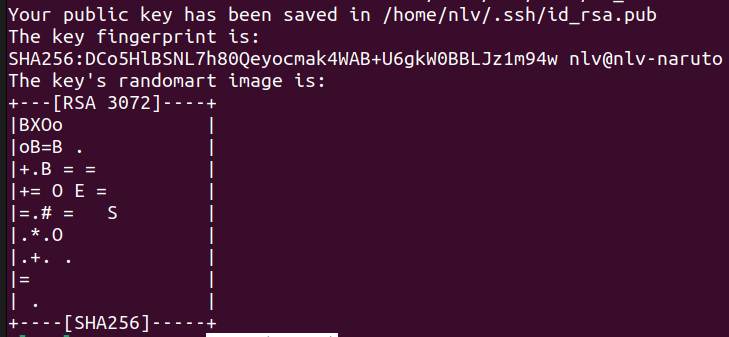
  4. Public key will be saved and then open the saved file and copy the public key.
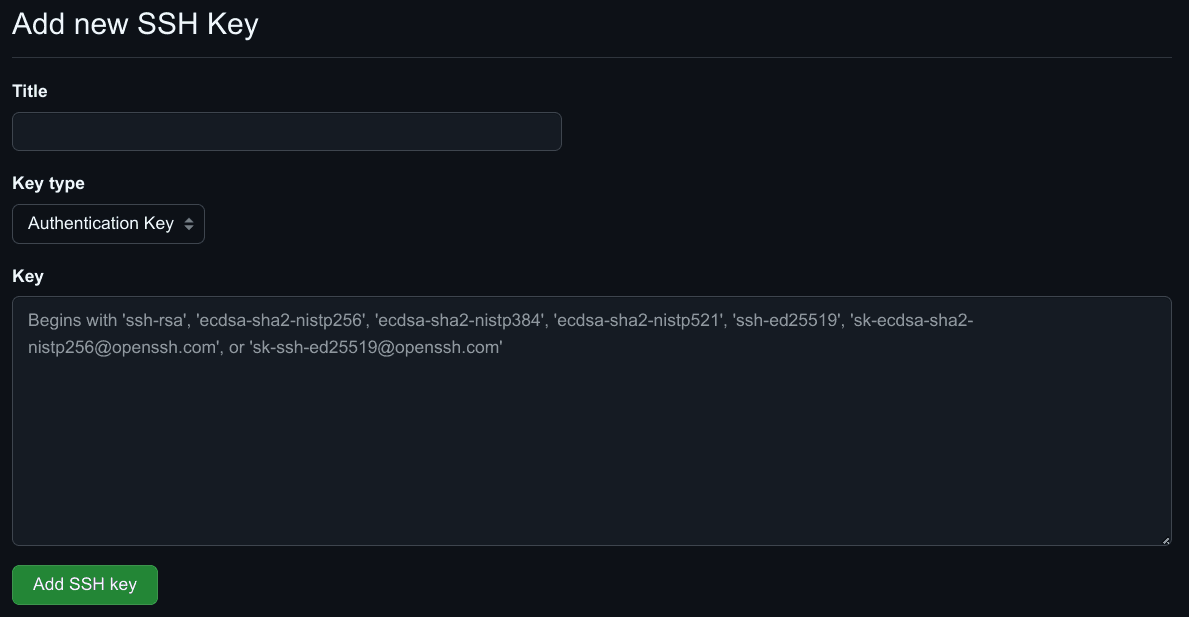
  5. Now, Login to github and go to settings > SSH and GPG keys > Add New SSH key
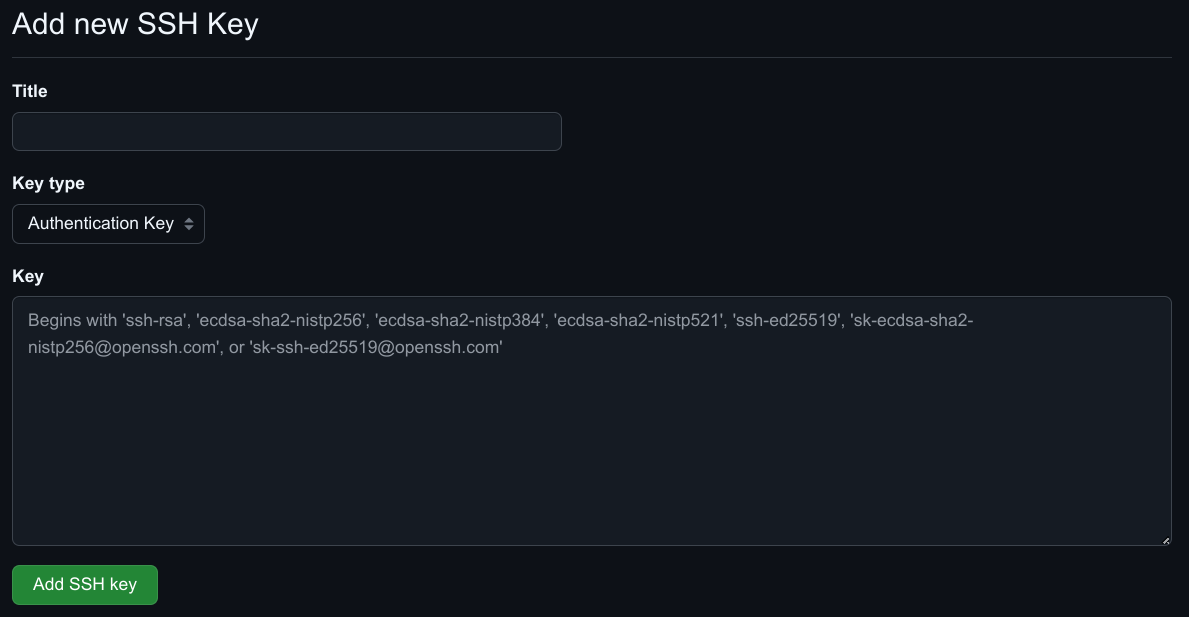
  6. Copy and Paste the generated Public key here and save.

Congratulations ! You have successfully setup SSH in your device.

Tags

git ssh keygen public key
Advertisement

Discussion (0)

Related Blogs

Explore similar articles

What to do immediately after database update in laravel?
Education
3 min

What to do immediately after database update in laravel?

J

N@rutO

Aug 14

2 0
Setup environment variables in cypress: A comprehensive guide.
Education
2 min

Setup environment variables in cypress: A comprehensive guide.

J

N@rutO

Sep 18

0 0