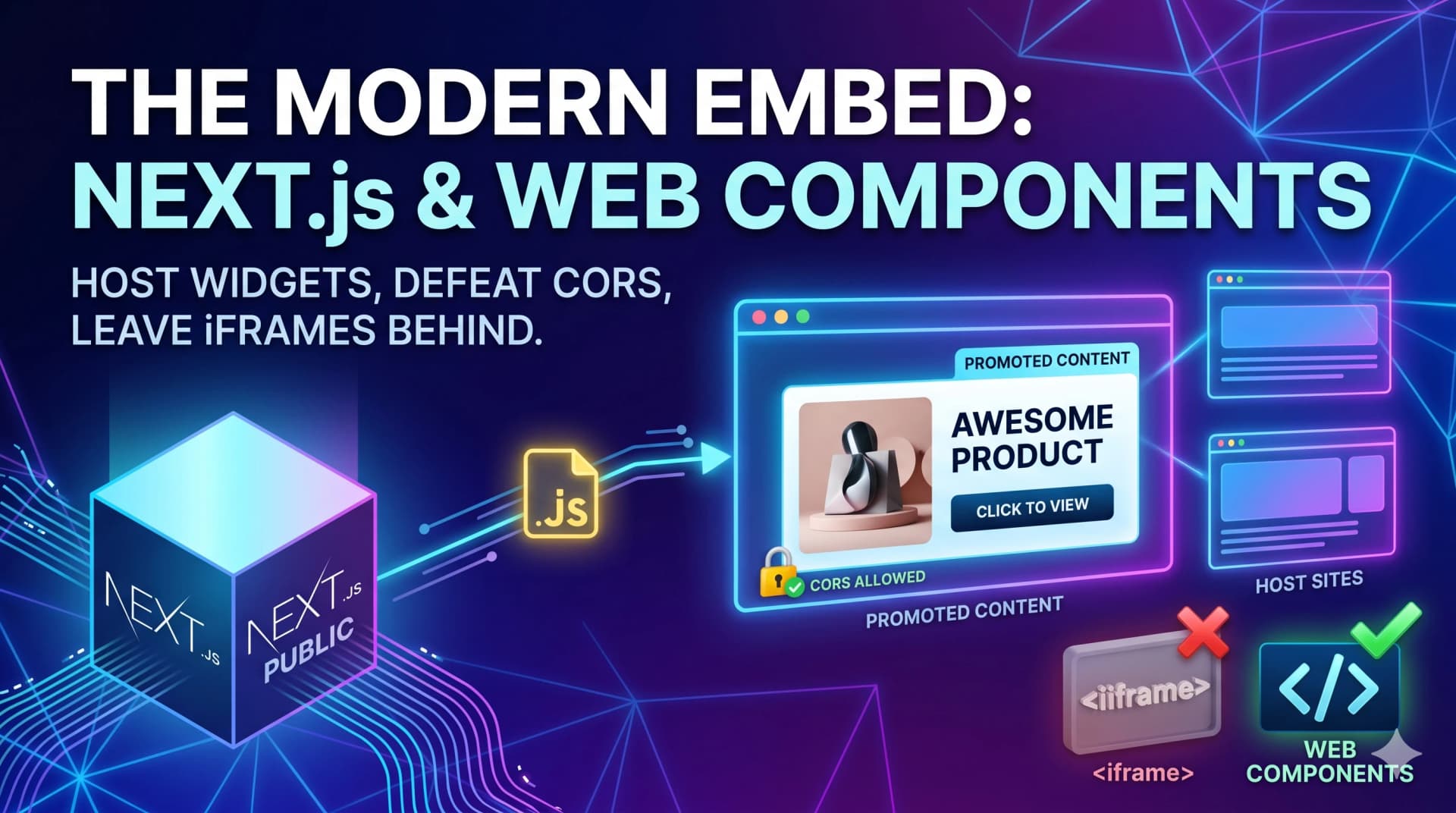
In the early days of the web, if you wanted to display content from one website on another, you had one real choice: the <iframe>. It was clunky, difficult to style, and terrible for SEO.
Today, thanks to Next.js and Web Components, we can build "Promoted Content" widgets that are lightweight, style-isolated, and incredibly easy to install with a single JS snippet.
The Goal
Create a reusable JS snippet hosted on your Next.js site that:
Fetches data from your API.
Displays it beautifully on a partner's website.
Redirects users to your site when clicked.
Avoids CSS "leakage" using the Shadow DOM.
1. The "Secret Sauce": The Web Component Snippet
Instead of a standard script that might mess up the host site’s layout, we use a Custom Element. This allows us to create a proprietary HTML tag like <promoted-widget>.
We host this file in the public/ folder of our Next.js app (e.g., /public/widgets/embed.js), making it accessible via a simple URL.
Why this works:
Encapsulation: By using
this.attachShadow({ mode: 'open' }), we create a "styling bubble." The host site’s CSS can’t change your widget’s font, and your widget’s CSS won't ruin their navigation bar.Lifecycle Hooks: The
connectedCallbackfunction runs automatically the moment the browser sees your tag. No manual initialization is required.
2. Breaking the CORS Wall
If you try to fetch data from your Next.js API from a different domain, the browser will block you by default. This is the "Same-Origin Policy."
To make your widget work globally, you must configure your Next.js headers to allow cross-origin requests.
// next.config.js example
{
  key: "Access-Control-Allow-Origin",
  value: "*" // Allows any site to fetch your promoted data
}
3. The "Two-Line" Installation
The beauty of this method is the developer experience for your partners. To import your component, they only need to do two things:
Step 1: Link the script
<script src="https://your-site.com/widgets/embed.js" async></script>Step 2: Place the tag
<promoted-widget></promoted-widget>Why This Beats Everything Else
Feature | iFrames | JS Snippets (Web Components) |
Performance | Heavy; loads a whole new window | Lightweight; runs in the same window |
SEO | Invisible to crawlers | Content can be parsed by modern bots |
Styling | Fixed dimensions; hard to make responsive | Naturally responsive and isolated |
Ease of Use | High | Extremely High |
Example of snippet:
// public/widgets/promoted-content.js
class PromotedWidget extends HTMLElement {
  async connectedCallback() {
    const shadow = this.attachShadow({ mode: 'open' });

    // You can even fetch data from a Next.js API route on the same domain
    const response = await fetch('https://your-domain.com/api/promo-data');
    const data = await response.json();

    shadow.innerHTML = `
      <div style="border: 1px solid #ccc; padding: 10px; cursor: pointer;"
           onclick="window.location.href='${data.url}'">
        <img src="${data.image}" width="100%">
        <h3>${data.title}</h3>
      </div>
    `;
  }
}
customElements.define('promoted-widget', PromotedWidget);